
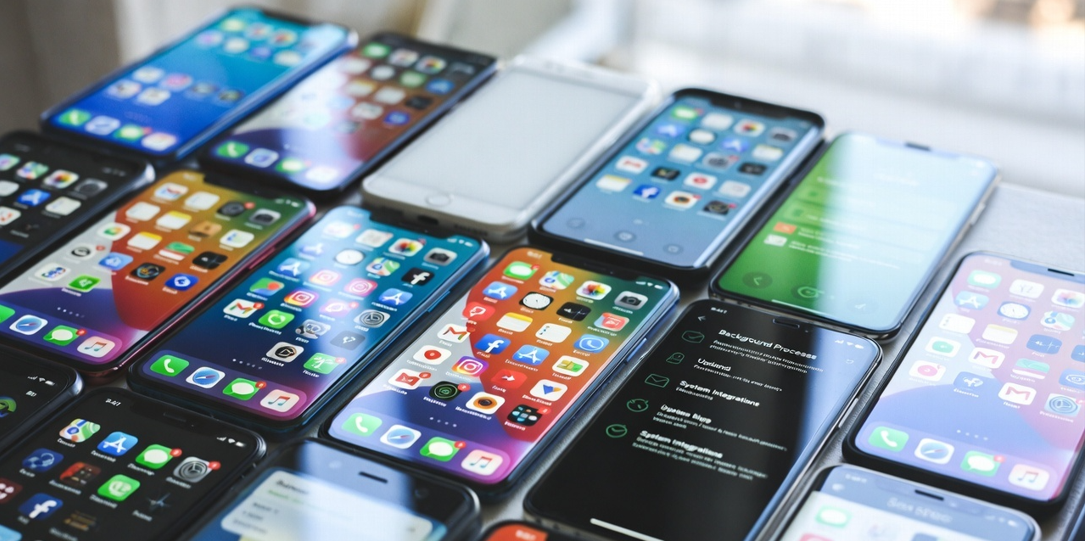
Many smartphone users assume that if they never open an app, it cannot collect data. In reality, apps can gather certain types of information even when they are not actively being used. This does not necessarily mean that all apps are secretly spying, but it does highlight how modern mobile operating systems and app permissions work.
Understanding how background processes, permissions, and system integrations function can help users better control their privacy.
Installation Grants Baseline Permissions
When you install an app, it may request access to features such as Location, Contacts, Microphone, Camera, Storage, Notifications, and Bluetooth. On both Android and iOS, once a permission is granted, the app can access that data under the conditions allowed by the operating system, even if you do not manually open the app every day.
For example, a weather app granted “Always Allow” location access can retrieve updates periodically in the background without you ever tapping the icon.
Background Activity and App Refresh
Modern smartphones allow apps to run limited background processes. On Android, this involves background services; on iOS, it is called Background App Refresh. This allows apps to:
- Check for updates and sync data with servers.
- Send or receive push notifications.
- Update widgets and refresh content.
Even if you have never opened the app after installation, it may still initialize background tasks at the system level. However, both Android and iOS now impose restrictions to prevent excessive battery drain or data usage by limiting these activities automatically.
Push Notifications and Data Exchange
Even apps you rarely open communicate with servers via the Apple Push Notification Service (APNs) or Firebase Cloud Messaging (FCM). This exchange involves device identifiers, app tokens, and timestamps. While the content is encrypted, the metadata still counts as background communication.
Device Identifiers and Analytics
Many apps integrate third-party analytics tools. These tools may collect:
- Device model and OS version.
- Approximate location and IP address.
- Advertising ID (used for tracking across different apps).
While regulations like GDPR and platform features (like iOS’s App Tracking Transparency) require consent for this, some baseline “diagnostic” data may still flow in the background.
Location Access and System Apps
Location permissions are particularly sensitive. Selecting “Allow While Using” stops the app from tracking you when it’s closed, but choosing “Always” allows the app to ping your GPS silently. Additionally, pre-installed System Apps often have deeper integration and may log crash reports or performance metrics even if never launched by the user.
Frequently Asked Questions (FAQs)
1. Can an app listen to my conversations if I never open it?
Technically, no. Modern operating systems (iOS and Android) have strict security indicators. If an app is using your microphone in the background, a green or orange dot will appear at the top of your screen. Furthermore, “sandboxing” prevents apps from accessing the mic unless they are active or have a specific, system-approved reason to be running.
2. Does deleting an app stop all data collection immediately?
Yes. Deleting the app removes its ability to run background processes, access sensors, or ping servers from your device. However, it does not delete the data the app already collected and stored on its own servers. To remove that, you must usually delete your account within the app or contact the developer.
3. Do “Free” apps collect more data than paid ones?
Often, yes. Since free apps don’t generate revenue from sales, they frequently rely on Ad-Tech SDKs (Software Development Kits). These third-party tools run in the background to collect identifiers and location data to serve targeted ads, which is how the developer makes money.
4. How can I tell which apps are using data in the background?
Both Android and iOS have Privacy Dashboards (found in Settings). These tools provide a timeline showing exactly which apps accessed your location, camera, or contacts in the last 24 hours, even if you never opened them.
5. Does “Force Quitting” an app stop it from collecting data?
Only partially. While force-closing an app (swiping it away) stops its immediate processes, the system can still “wake up” the app for Push Notifications or Background App Refresh if those settings are enabled. To truly stop it, you should revoke permissions or disable Background App Refresh in your device settings.