
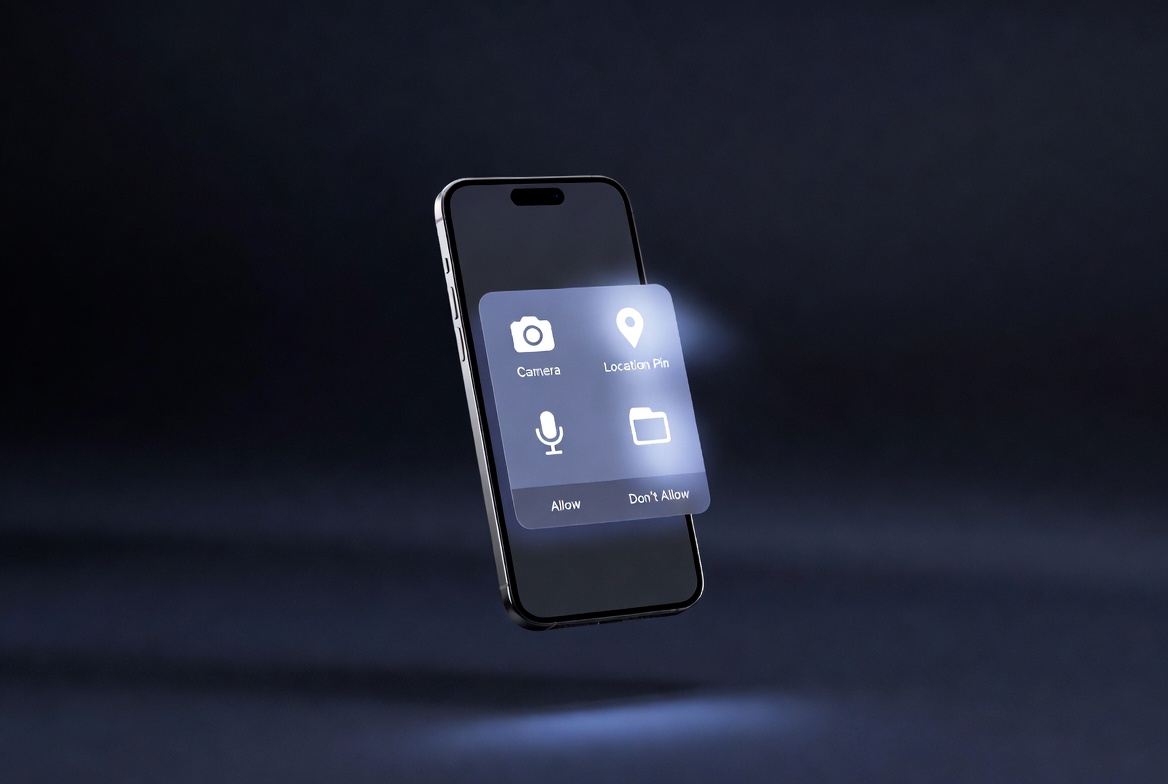
Many smartphone users notice that after updating an app, it may ask for permissions again, such as access to the camera, location, storage, or contacts. This can feel unexpected, especially if those permissions were already granted earlier.
However, in most cases, this behavior is part of how modern mobile operating systems manage privacy, security, and app changes. Permissions are not always permanent and may be reset or re-requested under specific conditions rather than after every update.
This article explains what is actually known about why apps ask for permissions again after updates and what it means for users.
How App Permissions Work
Both Android and iOS use permission systems that require apps to explicitly request access to sensitive data or device features—often at the moment those features are actually used.
These permissions may include:
- Camera and microphone access
- Location data
- Contacts and call logs
- Storage or files
Users can allow, deny, or limit these permissions. Once granted, permissions usually remain active unless something changes in the app or system, or unless temporary permission options are used.
In newer versions of Android and iOS, permissions are increasingly granular and context-based. For example, users may allow access to only selected photos instead of full storage, or allow location access only while using the app rather than at all times.
Why Permissions May Be Requested Again
1. The App Added New Features:
One of the most common reasons is that the app update introduces new functionality.
For example:
- A messaging app adds voice or video calling → requires microphone/camera access
- A delivery app adds real-time tracking → requires location access
- A social media app adds media uploads → requires storage access
When an app requests access to a new type of data or feature, the operating system requires fresh user consent.
This is a standard privacy practice in both Android and iOS and helps prevent apps from gaining access to new types of data without the user’s knowledge.
2. Permission Categories or Scope Changed:
Sometimes, updates modify how permissions are categorized or used.
For example, newer versions of operating systems may split permissions into more detailed categories (such as “Allow only while using the app” vs. “Allow all the time” for location). In some cases, the level of access may also change—for instance, from approximate location to precise location, or from limited access to broader background access.
Modern systems also increasingly restrict background access to sensitive data such as location, microphone, and camera. If an app begins requesting access in the background or expands how it uses data, the system may treat this as a higher-risk change and require the user to approve it again.
When the level of access becomes more sensitive or expansive, the system treats it as a new request and asks the user to approve it again.
3. Operating System Updates Reset Permissions:
In some cases, the change is not from the app but from the operating system itself.
Modern versions of Android and iOS include privacy features that:
- Automatically reset permissions for unused apps
- Require apps to request permissions again after major system updates
- Introduce stricter controls over sensitive data
For example, Android includes a feature that automatically removes permissions from apps that have not been used for a long time. In newer versions, this behavior has become more proactive, and permissions may be revoked more aggressively for apps that are rarely used.
In addition, when apps are updated to target newer versions of Android (known as higher API or target SDK levels with updated privacy standards), the system may require permissions to be requested again so they align with current rules.
After major system updates, users may sometimes notice multiple apps asking for permissions again around the same time due to these system-wide changes.
Because of these changes, users may see permission prompts even if the app itself has not changed significantly.
4. App Reinstallation or Data Reset:
If an app is reinstalled or its storage is cleared, all previously granted permissions are typically removed. After reinstalling or resetting the app, it behaves like a fresh installation and must request permissions again.
In some cases, certain updates—especially major version updates (for example, moving from version 1.x to 2.0), or those involving significant structural, backend, or system-level changes—may be treated by the system similarly to a fresh installation.
Some update mechanisms may internally replace or reinstall parts of the app rather than simply patching it, which can result in permissions being reset. However, this does not happen with most routine updates and is generally limited to specific types of changes.
This is a documented behavior in both Android and iOS systems.
5. Temporary Permissions Expired:
Both Android and iOS offer temporary permission options such as “Only this time” or “Ask next time.”
If a user selects these options instead of granting ongoing access, the permission is automatically revoked after a short period or after the app session ends.
When the app is opened again—or after an update—it will need to request that permission again. Choosing ongoing options like “Allow while using the app” can reduce how often these prompts appear.
6. Security and Privacy Compliance
App developers may update their apps to comply with new privacy rules or platform guidelines.
For example:
Google Play and Apple App Store policies may require clearer permission requests
Apps may need to request permissions at the moment they are used rather than during installation
Changes in how data is collected, processed, or shared may require renewed user consent
In addition, app updates often introduce new code, third-party libraries, or backend changes. Because of this, operating systems may treat certain updates as requiring re-validation and may prompt users to confirm permissions again to ensure nothing has changed without their awareness.
From a security perspective, updated apps are not automatically assumed to behave the same as before. Requiring users to review permissions again helps ensure that any new or modified functionality is explicitly approved.
In rare cases, developer-side factors—such as misconfigured permission declarations or implementation issues- can also cause permissions to be requested again unexpectedly.
These measures are designed to prevent apps from silently accessing sensitive data without user awareness.
Important Note: Not All Updates Reset Permissions
It is important to note that not every app update will trigger permission requests again. Minor updates, such as bug fixes or small interface changes, usually do not affect existing permissions.
Permission prompts are more likely to appear when updates involve new features, changes in permission usage, system-level policy updates, major version upgrades, or significant modifications to how the app operates.
What Happens If You Deny Permissions
If a user denies a permission request:
- The app may continue to work with limited functionality
- Certain features may be disabled (e.g., camera, location services)
- The app may prompt again later when the feature is needed
This behavior depends on how the app is designed.
Common Misunderstandings:
- “Apps are trying to access more data secretly.”
Not necessarily. In most cases, permission prompts appear because of new features, system updates, or policy changes, not hidden activity. Modern systems are specifically designed to prevent apps from silently gaining access to sensitive data. - “Permissions should never reset.”
Permissions can be reset intentionally by the system for privacy reasons, especially for unused apps or after major updates. - “Granting permission once is permanent.”
Permissions are not always permanent. They may change based on app updates, system updates, permission type (temporary vs. ongoing), or user actions such as clearing data.
Practical Tips for Users
Users can manage permissions effectively by following a few steps:
- Review permissions regularly
Both Android and iOS provide settings to see which apps have access to specific features. - Check permissions after updates.
After updating important apps, it can be useful to review their permissions to ensure everything is set as expected. - Grant only the necessary permissions
Allow access only when it is required for the app’s core functionality. - Use limited access options carefully.
Options such as “Allow only while using the app” improve privacy, but temporary options like “Only this time” may lead to repeated prompts. - Keep apps and the system updated.d
Updates often include improved permission controls and security fixes. - Be aware of auto-reset featur.es
Some devices automatically remove permissions from unused apps. On Android, this feature can usually be adjusted in app settings if needed.
Conclusion
Apps may ask for permissions again after an update for several legitimate reasons, including new features, changes in permission categories or scope, operating system updates, temporary permission expiry, or compliance with updated privacy rules.
In some cases, updates that introduce significant changes, major version upgrades, or align with newer system-level security standards may also trigger permission re-confirmation.
This behavior is part of modern mobile security design, which aims to give users more control over how their data is accessed and to prevent unauthorized or unnoticed access to sensitive information.
While repeated permission prompts can be inconvenient, they also provide an opportunity for users to review and manage their privacy settings more carefully.
Frequently Asked Questions (FAQs):
1. Do all app updates reset permissions?
No. Most minor updates do not affect permissions. Apps usually ask again only when there are changes to features, permission usage, or system-level privacy rules.
2. Why do I keep seeing permission requests even without updating apps?
This can happen due to operating system features like automatic permission reset for unused apps or temporary permissions expiring after use.
3. Is it safe to grant permissions again after an update?
Generally, yes, but users should review what the app is asking for and only grant permissions that are necessary for its functionality.
4. Can I stop apps from asking for permissions repeatedly?
You can reduce repeated prompts by choosing ongoing permission options like “Allow while using the app” instead of temporary options, and by regularly using apps so their permissions are not auto-reset.