
At some point in the last few years, someone you knew probably got a Facebook birthday notification for a person who had already passed away. Maybe you got a friend request from someone who died months ago. Maybe a memory popped up in someone’s feed that felt like a punch to the chest.
This is not a glitch. It is what happens when a Facebook account is left unmanaged after death, and it is happening to millions of families every year.
Right now, an estimated 30 million Facebook users die annually worldwide. Researchers at the Oxford Internet Institute have projected that at this rate, the number of deceased accounts on Facebook could outnumber living users somewhere between 2070 and the early 22nd century, potentially reaching 1.4 to 4.9 billion profiles belonging to people who are no longer alive. Facebook is on track to become the largest digital archive of human life in history, whether anyone planned for that or not.
Most families are completely unprepared for what this means when it actually happens to them.
Facebook Does Not Automatically Know When a User Dies
This is the first thing most people don’t realise. Facebook has no automatic way of detecting a death. Until someone reports it, the account continues behaving exactly as it did when the person was alive.
That means the profile can still appear in People You May Know suggestions. Old posts can resurface as Memories. Birthday notifications go out to friends. Event invitations can still be sent from the account.
For people who are grieving, these moments land very differently from a simple notification. Seeing a dead person’s name pop up as a birthday reminder or suggested friend is a specific kind of pain that most people don’t anticipate, and Facebook does not currently prevent it unless the account is reported.
The Two Options: Memorialization or Deletion
Once Facebook is notified of a death, families have two choices.
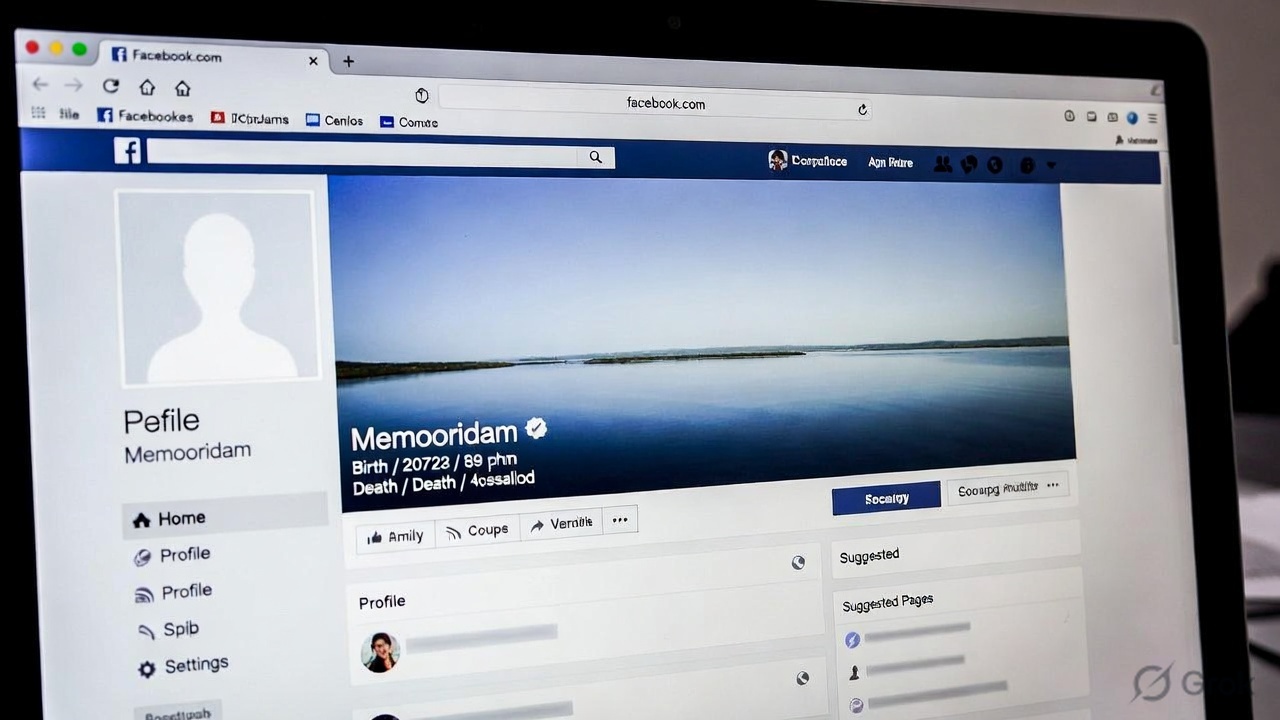
- Memorialization converts the profile into a memorial space. The word “Remembering” appears next to the person’s name. Existing posts, photos, and content remain visible based on whatever privacy settings the person had while alive. Friends and family can leave tributes and share memories if the settings allow. The account stops appearing in suggestions, birthday reminders, and ads. Critically, nobody can log in. Not family members, not close friends, nobody.
- Permanent deletion removes the account entirely. All content, photos, posts, messages, and everything is gone permanently. This option requires proof of death and proof that the person requesting deletion is an immediate family member or legal representative. It cannot be undone.
Neither option is automatic. Someone has to actively submit a request to Facebook for either to happen.
To request either option, you fill out Facebook’s Special Request form for a deceased person’s account through the Help Centre. You will need to provide the deceased person’s full name, a link to their profile, and documentation proving their death. Accepted documents typically include a death certificate, obituary notice, or memorial card. The name on the documentation must match the profile name exactly or the request will be rejected.
The Ghost Hacking Problem Nobody Warns Families About
Here is the part that most articles on this topic skip entirely, and it is the part that causes the most real harm.
Inactive accounts belonging to deceased people are a specific target for cybercriminals. Security researchers call it ghost hacking, and it is a documented and growing problem.
Deceased people’s accounts are valuable to scammers for a simple reason: the real owner cannot notice suspicious activity, and grieving friends and family are more likely to trust a message or request that appears to come from someone they know and miss.
There are documented cases of hackers taking over accounts belonging to deceased people and using them to send scam messages to the dead person’s friends and family, post fake advertisements, send friend requests designed to harvest personal information, and impersonate the deceased to exploit people who are already emotionally vulnerable.
In one widely reported case, a family discovered their deceased brother’s account had been hacked and used to tag over 40 people in a fake Ray-Ban advertisement. When his sister tried to report the hack to Facebook and submit the death certificate to have it memorialised, Facebook initially responded that the documentation did not match the profile because the hacker had already changed the account name. The account was eventually memorialized but under the hacker’s altered version of the profile, not the original.
Dark web marketplaces where inactive and deceased people’s Facebook accounts are bought and sold do exist, and cybersecurity researchers have documented this activity. Because a deceased person’s account is unlikely to have anyone actively monitoring it, it becomes a relatively easy target for anyone who can get access to old login credentials, often sourced from data breaches where passwords were leaked.
The practical protection against this is getting the account memorialised or deleted as quickly as possible after a death. A memorialised account cannot be logged into by anyone, which removes the ability for a hacker to use it. An unmemorialized account sitting inactive is significantly more vulnerable.
Read More: What Happens to Your Telegram Account After Death: The Reality You Might Not Know
Legacy Contacts: What They Can and Cannot Do
Facebook allows users to assign a Legacy Contact before death. This is a person designated to manage limited aspects of the account once it is memorialised.
A legacy contact can pin a tribute post to the top of the profile, accept or decline pending friend requests, update the profile photo and cover photo, and request that the account be permanently deleted.
A legacy contact cannot log into the account, read private messages, edit or remove existing posts, or remove friends. These restrictions are intentional and exist to protect the privacy of the deceased person’s existing content.
Legacy contacts must be assigned by the user themselves while they are alive. Nobody can be assigned after death. If no legacy contact was set up, the account can still be memorialized but it will be largely frozen. No updates can be made to it by anyone, and it will simply exist as it was at the time of death.
The Pages and Groups Problem Most Families Don’t Think About
Individual profiles are only part of the picture. If the deceased person was an administrator of a Facebook Page or Group, there are separate consequences that families rarely anticipate.
If someone were the sole admin of a Facebook Page, whether a business page, a community page, or a memorial page for someone else, that page can effectively become permanently unmanageable after they die. No one else can access admin controls, post updates, or eventually delete the page. It continues to exist but becomes an abandoned space with no one managing it.
The same applies to Groups. If the deceased was the only admin, the Group continues but nobody has admin access. Members cannot be removed, settings cannot be changed, and in some cases, the group becomes a source of confusion or misuse.
The practical lesson here is that any Facebook Page or Group that matters should always have at least two admins. This is true for businesses, community organisations, and family groups. A single point of admin access is a single point of failure that a death can make permanent.
Private Messages Stay Private
One of the most common questions families ask is whether they can access the private messages of a deceased person.
The answer is no. Facebook does not allow anyone to access private messages in a deceased person’s account under any circumstances. This applies even to immediate family members with legal authority. Even with a court order, Facebook will rarely provide message content, and there is no guarantee of access even when legal proceedings are involved.
Messages the deceased sent to other people remain visible in those recipients’ own inboxes. The conversations are not deleted from the other person’s end. But the deceased person’s inbox is inaccessible and will remain so.
Why Trying to Log In With Their Password Is a Bigger Problem Than It Sounds
When someone dies, family members sometimes have access to saved passwords, logged-in devices, or credentials written down somewhere. The instinct to log in and check the account or preserve content is completely understandable.
However, Facebook’s systems can detect unusual login activity. Logging in from a new device, a different location, or in a pattern that differs from the deceased person’s normal behaviour can trigger security flags. The result can be the account being restricted or permanently locked in a way that makes subsequent memorialization requests significantly more complicated.
Beyond the technical risk, accessing someone else’s account without authorisation technically violates Facebook’s Terms of Service and potentially local laws around computer access, depending on the country. Families who want to preserve content are better served by asking Facebook directly through official channels, which in rare cases and with appropriate legal documentation, can result in limited access to specific content.
How to Actually Set This Up Before It Becomes Someone Else’s Problem
The most useful thing anyone can do is set up their own memorialization preferences now, while they’re alive, so that a family member doesn’t have to figure this out in the middle of grief.
To set a legacy contact or enable account deletion after death, go to Settings and Privacy, then Settings, then Accounts Centre, then Personal Details, then Account Ownership and Control, then Memorialization Settings.
From there, you can choose a legacy contact and decide whether you want your account memorialised or permanently deleted after your death. The person you assign as a legacy contact will receive a notification letting them know they have been chosen.
This takes about three minutes. Most people never do it.
The Bigger Picture
An estimated 30 million Facebook users are dying every year globally. Most of their accounts will sit unmanaged for months, years, or indefinitely, unless a family member knows what to do and does it.
Researchers at Oxford have pointed out something worth thinking about: the sum of all these profiles represents an unprecedented archive of human behaviour, memory, and communication. Who controls that archive, who can access it, and what happens to it over time are questions that no platform, government, or legal system has fully answered yet.
For now, the practical reality is simpler. If someone you love has died and their Facebook account is still active, the most important thing you can do is report it as soon as you’re ready. Not because of any technical urgency, but because an unmanaged account is both a security risk and a source of unexpected grief for everyone who is still connected to it.
Also Read: What Happens to Online Subscriptions After Death?
Step-by-Step: What to Do After Someone Dies on Facebook
- To request memorialization: Go to facebook.com/help/contact/234739086860192 and fill out the memorialization request form. Provide the deceased person’s full name, profile link, your contact information, and documentation of their death.
- To request permanent deletion: Go to the same Special Request section and select the deletion option. This requires proof of death and proof that you are an immediate family member or legal representative.
- To report a hacked account belonging to a deceased person: Use the Report a Problem feature through Facebook’s Help Centre and specify that the account belongs to a deceased person whose account has been compromised.
- If the documentation is rejected, check that the name on your documentation matches the profile name exactly. If the account has been hacked and the name changed, explain this clearly in the request and provide documentation of the original name alongside proof of death.
All information in this article is based on publicly documented policies from Meta and Facebook’s Help Centre, published research from the Oxford Internet Institute, and reporting from verified news organisations. Facebook’s policies and forms are subject to change. Readers are encouraged to verify current procedures directly through Facebook’s Help Centre before submitting any request. Nothing in this article constitutes legal advice.