
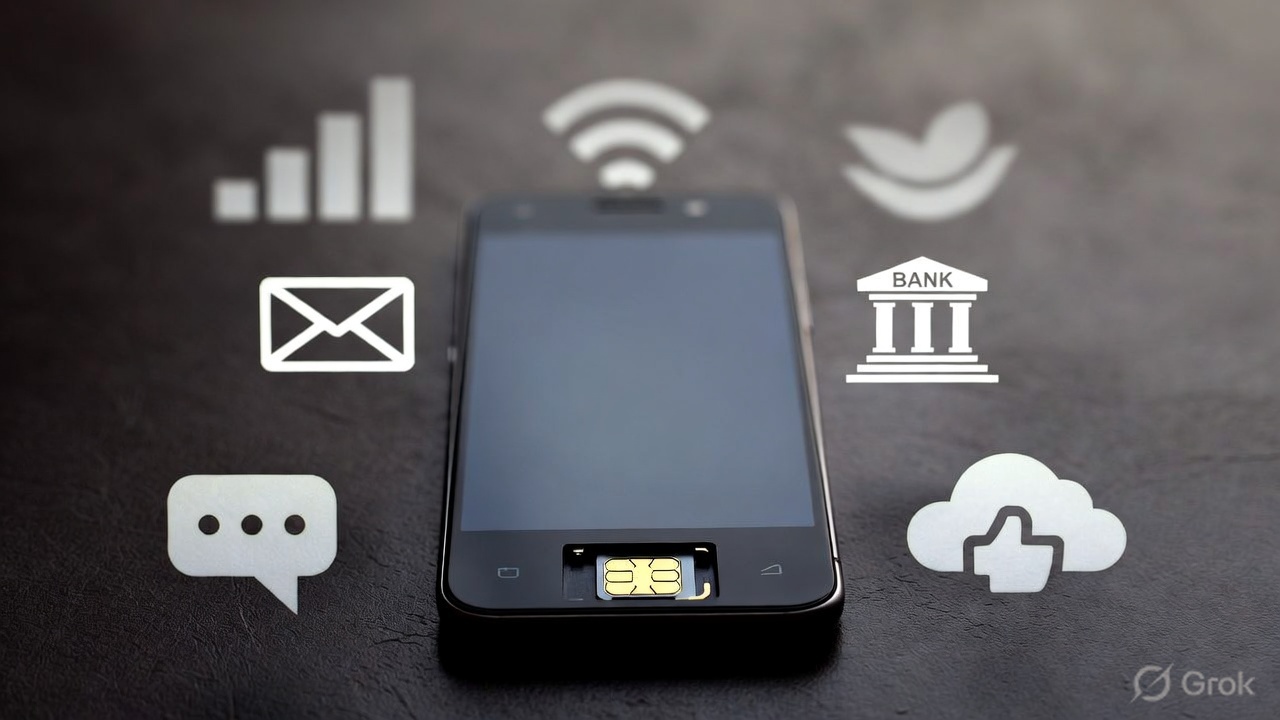
Losing a smartphone or having a mobile number deactivated can create serious concerns about personal data, financial apps, and online accounts. Modern phones often stay signed in to multiple services such as email, banking, messaging, and social media, which means a lost or inactive device may still have access to sensitive information.
Understanding what actually happens to active apps after a phone is lost or a SIM card is deactivated can help users reduce risks and protect their accounts. This guide explains what continues to work, what stops working, and what steps users should take immediately.
What Happens When a Phone Is Lost
When a phone is lost or stolen, the apps installed on the device usually remain logged in unless the device is remotely locked or wiped.
If the device is powered on and unlocked, a person who finds it may be able to access:
- Email accounts
- Social media apps
- Stored photos and files
- Messaging apps
- Cloud storage
- Shopping accounts
Most modern apps stay signed in until the user logs out or resets the device. This means losing a phone does not automatically log you out of your accounts.
Screen lock protection (PIN, password, or biometric lock) usually prevents immediate access, but unlocked devices remain vulnerable.
If passwords or payment details are saved in apps or web browsers, a person who unlocks the phone may be able to access accounts or make purchases more easily.
What Happens When the SIM Card Is Deactivated
Deactivating a SIM card or mobile number stops cellular services but does not erase apps or accounts from the phone.
After SIM deactivation:
- Calls and SMS stop working
- OTP messages stop arriving
- Mobile data stops working
However:
- Apps remain installed
- Accounts remain signed in
- Wi-Fi still works
- Cloud data remains accessible
If the phone connects to Wi-Fi, many apps continue functioning normally.
For example:
- Email apps can still send and receive messages over Wi-Fi
- Social media apps continue working
- Cloud storage remains accessible
- Messaging apps using internet connections can still work
SIM deactivation does not wipe the device or remove accounts.
If a mobile number is permanently deactivated and later reassigned to another user, verification messages or account recovery codes linked to that number may eventually be delivered to the new owner. This can create security risks for accounts that still rely on the old number.
What Happens to Messaging Apps:
Messaging apps behave differently depending on how they work.
SMS Messages
SMS messages stop after SIM deactivation because SMS requires an active mobile number. New SMS messages will not be delivered until the number is reactivated or moved to another SIM.
Internet-Based Messaging Apps
Apps such as WhatsApp, Telegram, and similar services rely mainly on internet connections.
If the device still has Wi-Fi access:
- Messages may continue arriving
- Notifications may appear
- Chats remain accessible
Some services may require periodic verification with the phone number. If the number is reassigned to another person later, account access could eventually be affected.
What Happens to Financial Apps
Banking and payment apps usually remain installed and logged in after a phone is lost.
However, most financial apps require:
- App PINs
- Biometrics
- Passwords
- OTP verification
Without OTP access, attackers may find it harder to complete sensitive actions such as transfers or password resets, although already logged-in apps may still allow limited access.
Still, risks remain if:
The device is unlocked
Passwords are saved
OTP messages are accessible
The SIM card is still inside the phone
Because of these risks, banks recommend reporting lost devices immediately.
Cloud Accounts Remain Active
Cloud services continue working even after a phone is lost or deactivated.
This includes:
- Email accounts
- File storage
- Photo backups
- Notes
- Contacts
The data is stored on remote servers, not only on the phone. If the account password is unchanged, the device may continue syncing data.
This means:
- New emails may still sync
- Photos may still upload
- Files may still update
Remote Protection Options
Most modern smartphones support remote protection tools.
These may allow users to:
- Locate the device
- Lock the phone
- Display a message
- Erase data remotely
These features usually require:
- Internet connection
- Account access
- Remote tracking enabled
Remote wiping removes personal data and signs out accounts. Remote lock or erase commands usually take effect only when the device connects to the internet. If the phone remains offline, the commands may be delayed until it reconnects.
What Happens If the Phone Is Never Recovered
If the phone is never recovered and no action is taken:
- Apps remain installed
- Accounts remain logged in
- Stored files remain accessible
- Cloud sync may continue
Over time:
- App sessions may expire
- Security checks may require a login again
- Password changes may sign you out of the device
However, there is no guarantee that apps will automatically log out quickly.
Immediate Steps to Take
If a phone is lost or stolen, experts recommend acting quickly.
1. Block the SIM Card:
Contact your mobile provider to:
- Block the SIM
- Prevent OTP misuse
- Stop unauthorized calls
2. Change Important Passwords:
Update passwords for:
- Email accounts
- Banking apps
- Social media
- Cloud storage
Password changes often sign out existing sessions.
Many online services also allow users to remove trusted or signed-in devices from account security settings. Revoking a lost device can prevent further access even if the phone is still active.
3. Use Remote Lock or Wipe:
If available:
- Lock the device remotely
- Erase personal data
This prevents future access.
4. Inform Your Bank:
Banks may:
- Monitor transactions
- Block suspicious activity
- Secure your account
This reduces financial risk.
5. Monitor Accounts:
Watch for:
- Unknown logins
- OTP requests
- Unauthorized transactions
Early detection reduces damage.
If a phone is lost or a SIM card is deactivated, apps usually remain installed, and accounts often stay signed in. SIM deactivation stops calls and SMS, but it does not remove apps or erase data. Many services continue working over Wi-Fi unless the device is locked or wiped.
Because a lost phone may still contain active apps and sensitive data, users should block their SIM card, change passwords, revoke device access where possible, and use remote protection tools as soon as possible.
Taking quick action significantly reduces the risk of unauthorized access and protects personal information stored on the device.
Frequently Asked Questions (FAQ)
1. Does deleting the WhatsApp app delete my account and backups?
No. Uninstalling or deleting the WhatsApp app from your phone does not delete your account or your cloud backups. Your account will simply remain “inactive.” If you do not log back in within 120 days, WhatsApp’s inactivity policy will then trigger the deletion of your account data. To permanently delete your data immediately, you must use the “Delete My Account” option within the app settings.
2. Can someone access my WhatsApp if they have my old, deactivated phone number?
Yes, this is a significant security risk. If a mobile carrier reassigns your old number to a new user and that person registers for WhatsApp, they will gain access to your account (though not your previous message history, which is encrypted). To prevent this, always use the “Change Number” feature in WhatsApp settings before losing access to a number, or enable Two-Step Verification so the new owner cannot activate your account without your PIN.
3. If I lose my phone, can I log out of WhatsApp remotely?
WhatsApp does not have a direct “Log Out” button for mobile devices from another phone. However, you can effectively log out by:
- Activating a new SIM with the same number on a different phone. WhatsApp only allows one active session per phone number; logging in on the new device will instantly deactivate the session on the lost one.
- Deactivating your account by emailing WhatsApp support with the phrase “Lost/Stolen: Please deactivate my account” along with your phone number in full international format.
4. What happens to my “Linked Devices” (WhatsApp Web/Desktop) if I lose my phone?
If your primary phone is inactive (offline) for over 14 days, WhatsApp will automatically log you out of all linked devices (Web, Desktop, or Tablets). This is a security measure to ensure that someone with access to your computer cannot read your messages indefinitely if you no longer have control of your primary smartphone.
5. Will my Google Drive or iCloud backup expire if I stop using WhatsApp?
Yes. Google Drive backups that have not been updated in 5 months are automatically removed by Google. iCloud has similar cleanup protocols for inactive app data. To preserve your digital legacy, it is recommended to perform a manual export of your most important chats and store them in a dedicated “cold storage” cloud folder or physical hard drive.